The purpose of this competency set is to apply the curriculum development process in the design of a technology based learning experience. The goal is for the participants to be able to integrate their new computer based technology skill set in their teaching and classrooms.
Title
Using the LCD Projector to
integrate technology into lessons.
Goals
¨
Familiarize
teachers with the new technology in their e-classrooms.
¨
Introduce some basic
ways to use the projector—applications to regular classroom instruction.
¨
Plan for
integration of technology using LCD projectors
Objectives
The main objective of this
class was having the learners learn how to use the LCD projector for a variety
of reasons including as a presentation tool and to teach technology to their
students.
Application-specific skills/topics
Some of the specific skills
addressed in this class included:
¨
How to work the
projector as well as a basic understanding of how it works.
¨
How to use the
projector to integrate technology into everyday lessons.
Materials / Resources
LCD Projector
Wireless Lab
Handouts
Plan
|
TITLE: |
Using an
LCD projector to enhance student learning. |
|
PURPOSE: |
Familiarize teachers with the new technology in
their e-classrooms
Introduce some applications
Plan for integration of technology using LCD
projectors |
|
OBJECTIVES: |
o
Teachers will use the LCD projector as a
presentation tool for leading classroom discussions with presentation tools
such as Powerpoint. o
They will use the LCD with Digital Curriculum to
present short video clips to illustrate lessons. |
|
AUDIENCE: |
Classroom teachers who have installed LCD projectors
mounted in their classrooms |
|
PLAN: |
Overview: How does it work Present Possible uses for the LCD Projectors: 1. Teaching Technology (in
conjunction with wireless lab)
2. Display or present information
3. Source
of information—Reference Material a.
Internet references b.
Series websites (www.harcourt.com
/ www.eduplace.com (hm) c.
Digital Curriculum (handout) How to plan an integration project |
Overview of
Learning Experience Activities
The learning experience began by describing
how the projector worked. We talked
about how to work the projector as well as the sound system & discussed how
it would differ when the multimedia element was added.
The experience then went on to discuss possible
uses for the LCD Projectors. We talked
about the projector as being a way to teaching Technology. In conjunction with wireless lab, the
projector is a good way to show examples in
word processing, inspiration/ kidspiration, and powerpoint. It is also useful when student are using the
internet, providing how-to examples as well as showing the students, where to
go, etc. I talked about a few resources
such as Trackstar & myHQ
which could have been saved for another workshop as it took the inservice a bit off track.
The second purpose that we investigated was to use
the LCD projector as a way to display or present information to an
audience. I shared some examples of Open
House Power Point presentation as well as displaying some student digital portfolios. We talked about how the LCD would be a great
way for students display portfolios to parents and brainstormed other
possibilities. For example, our music
teacher discussed how she thought she could use it during chorus rehearsals to
project the music to encourage the children to look forward while singing vs.
looking down into the music.
I also displayed how the
projector can be used as a source of information or reference material. I shared several Internet references
including the series websites (www.harcourt.com
/ www.eduplace.com (hm)
and Digital Curriculum (handout). The
teachers really wanted to have more time to explore this area.
Time Planed
I had planned 1 hour for
this learning experience—over a common prep time during the school day. In the future I would plan 1 hour after
school with time at the end to “play” with instructor help.
Once the class was completed,
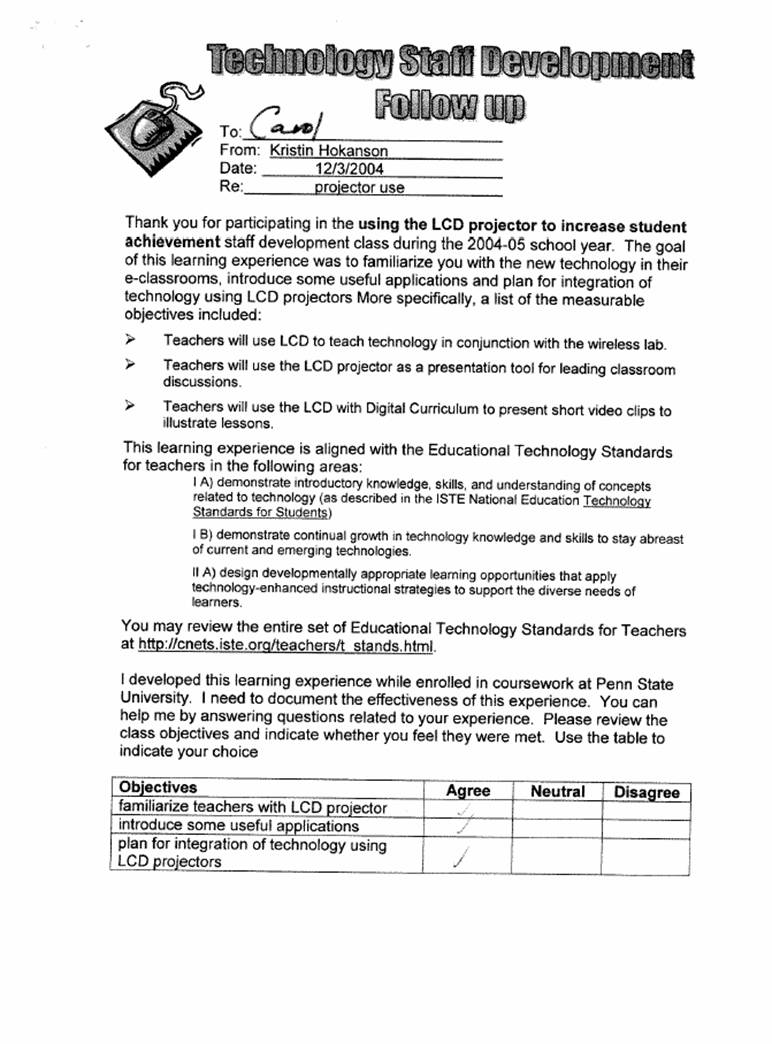
The objectives of the follow up meeting were
for the teacher to be able to apply one of the following uses of technology in
the classroom
¨
Teaching
Technology
¨
Display or
present information
¨
Source of
information—Reference Material
Assessment- how class was evaluated
Evaluation
of the class came from two main areas: instruction observations and participant
evaluation forms. I took notes of
skills/techniques that need a refined approach, and I assessed comments from
learners throughout the class. In follow
up situations where staff apply their new skills in the classroom settings, I
was available to help plan and implement lessons. Observations and instructor feedback would be
obtained in this scenario, although teachers chose to complete this part of the
activity on their own. Written
evaluations (my forms and the ITSC sample form) provided other sources of data
that will be used to modify the courses as necessary to best serve the needs of
the learners.
For this competency, I
worked with three individuals who had just received an LCD projector and were
interested in learning how to use it to integrating technology into some aspect
of teaching and learning. The
instruction followed the process outlined in 3.02
Learning Experience and focused on different ways that the LCD projector
can be used. After the learning
experience, I met individually with teachers at different levels to talk about
ways that the instruction could be integrated into their individual classrooms
The following were ways that
each teacher planned to use the instruction to integrate technology into their
classroom instruction:
|
Teacher |
Grade/ Subject |
Lesson / Topic— Objectives |
Teacher Standard |
Student Standard |
|
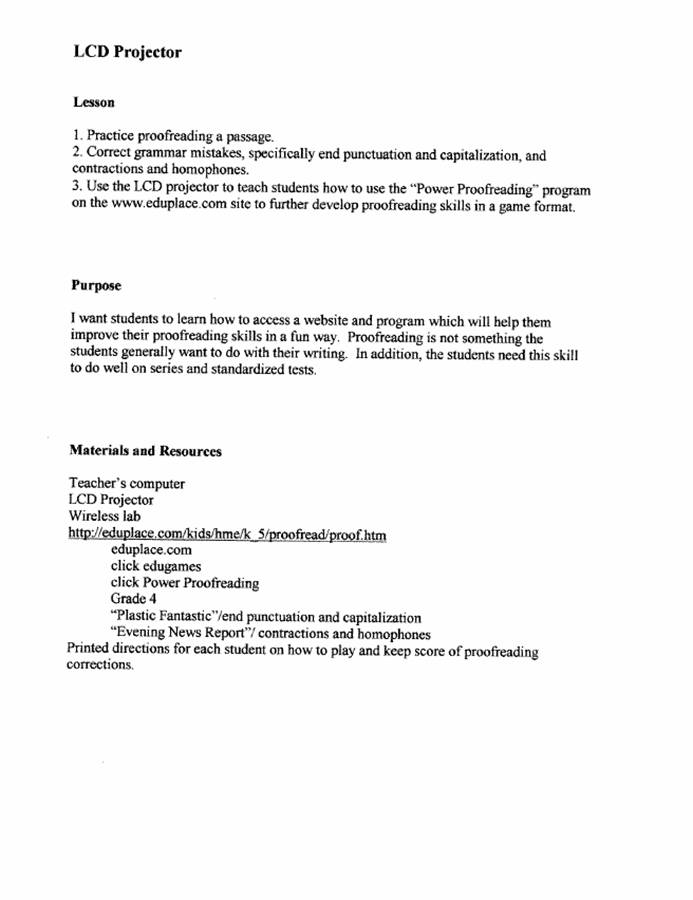
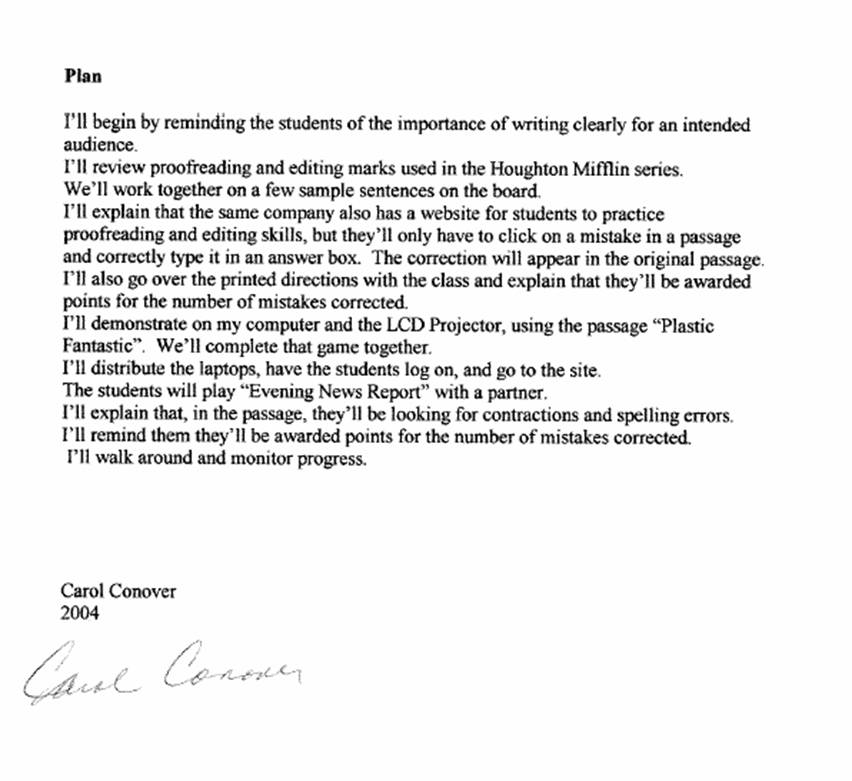
Carol
Conover |
fourth grade |
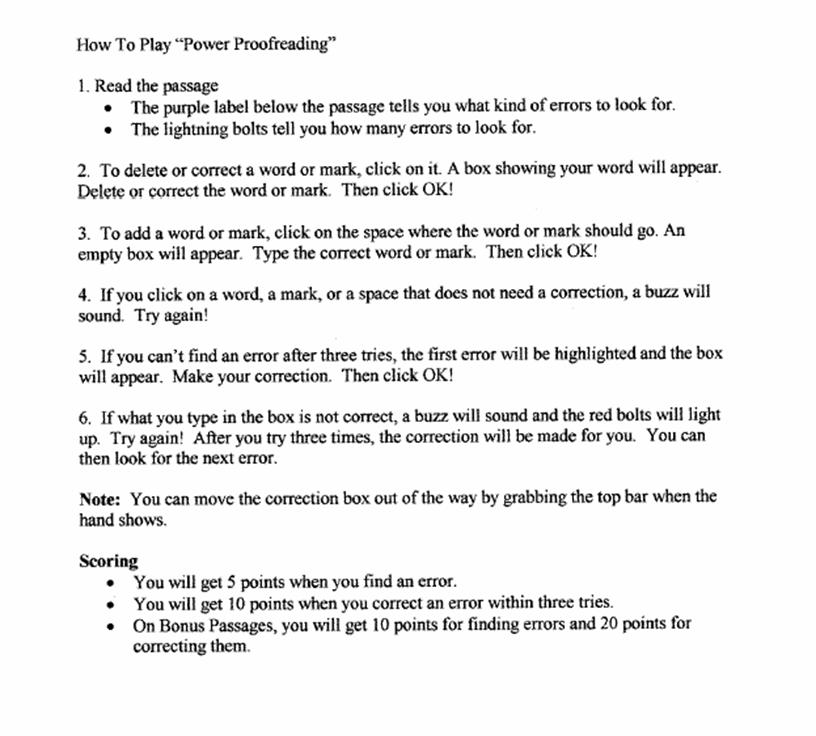
Ø
Use
computers to practice proofreading a passage & correct grammar mistakes |
Ø
demonstrate
continual growth in technology knowledge and skills to stay abreast of current
and emerging technologies. Ø
use
technology to support learner-centered strategies that address the diverse
needs of students |
Ø
Use
general purpose productivity tools and peripherals to support personal
productivity, remediate skill deficits, and facilitate learning throughout
the curriculum. (3) Ø
Use
technology resources (e.g., calculators, data collection probes, videos,
educational software) for problem solving, self-directed learning, and
extended learning activities. (5, 6) |
|
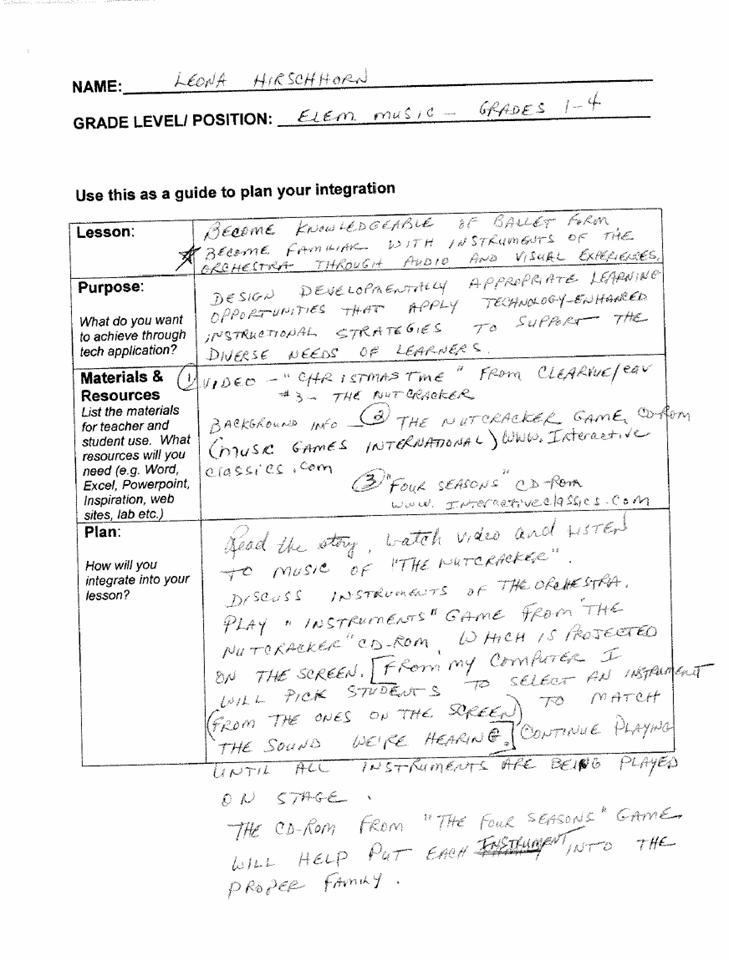
Leona Hirschhorn |
elementary music |
Ø
Understand
ballet forms Ø
Become
familiar with instruments of the orchestra through audio & video
experiences |
Ø demonstrate continual growth in
technology knowledge and skills to stay abreast of current and emerging
technologies. Ø design developmentally
appropriate learning opportunities that apply technology-enhanced
instructional strategies to support the diverse needs of learners. |
Ø
Use a variety of media and technology resources for directed and
independent learning activities. (1, 3) |
|
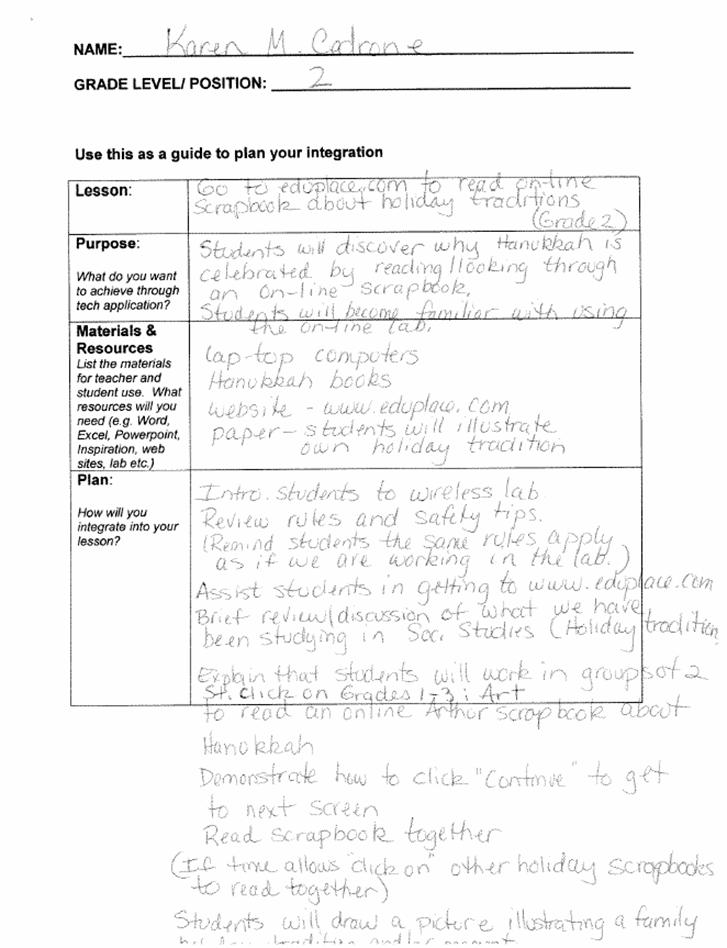
Karen
Cedrone |
second grade |
Ø
Understand
Hanukkah by using an online scrapbook Ø
Become
familiar with using the wireless computer lab. |
Ø demonstrate continual growth in
technology knowledge and skills to stay abreast of current and emerging
technologies. Ø design developmentally
appropriate learning opportunities that apply technology-enhanced
instructional strategies to support the diverse needs of learners. |
Ø
Use
input devices (e.g., mouse, keyboard, remote control) and output devices
(e.g., monitor, printer) to successfully operate computers, VCRs, audiotapes,
and other technologies. (1) Ø
Use
a variety of media and technology resources for directed and independent
learning activities. (1, 3) |
Reflection –On
overall learning experience for the teachers
I think that the learning
experience was very positive. The
teachers were excited about using the new technology. There are some changes that I would make when
teaching this course again. One thing
that I would change is that I would either do all of the presentation pieces
first and wait to pass out the wireless computers until I did the section on
using the projector to teach technology.
In other words, I would change the order so I would display or present
information FIRST, then present about how to use it as a source of
information. Then I would pass out the
laptops and do the Teaching Technology piece.
The other option would be to break them into 2 learning experiences. I
think this would allow the teachers to focus more on the presentation and give
them more independent time to explore the sites they may want to use for their
lesson. I had one teacher who attended
the learning experience, but couldn’t “make the time” to write up a lesson. I think that given more time during the
learning experience, they may have been able to come up with an idea right then
and then I could have worked on helping him to integrate it.
Frustrations Teachers Experienced
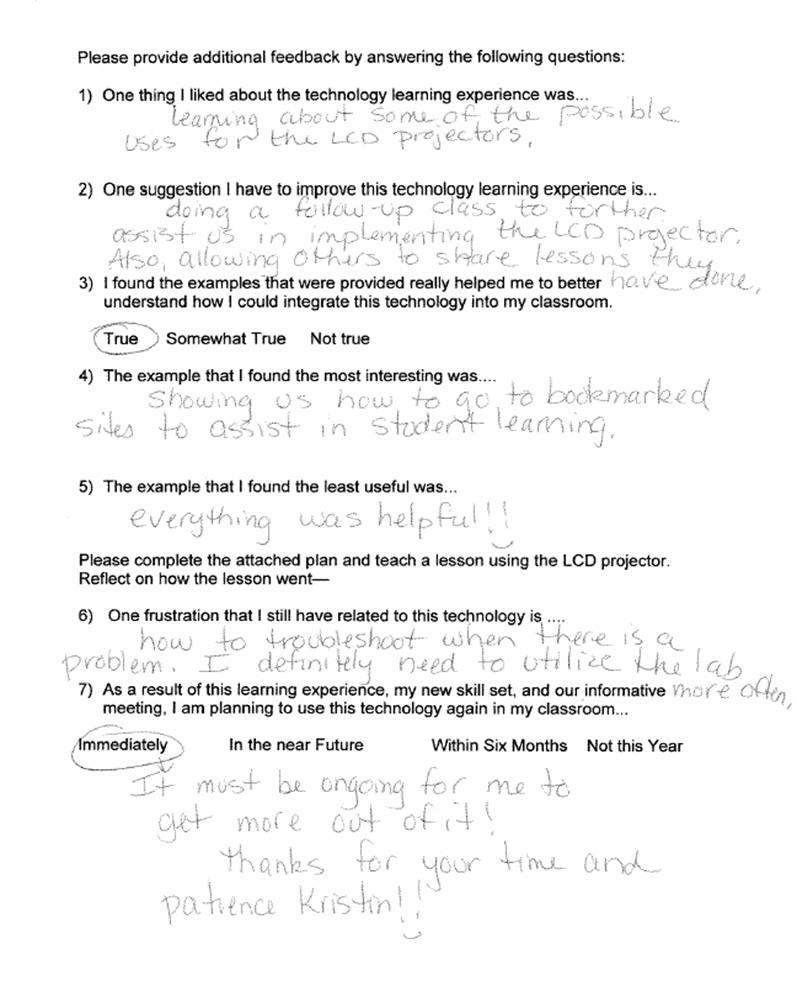
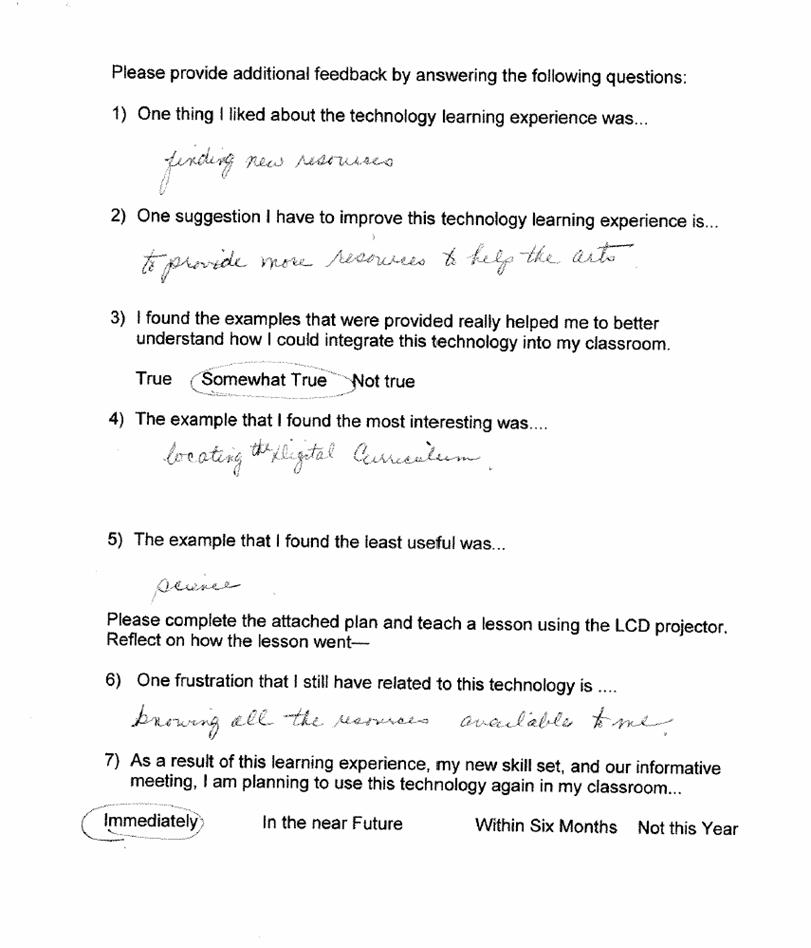
The teachers’ main frustration was that they wanted more time to
“play” with some of the additional learning software (especially trackstar and digital curriculum). They wanted to move on to creating their own
sites and seemed frustrated that we did not have time to work on it during our
limited time. Even though there were
examples given, knowing the resources available was another frustration
expressed. The last frustration was
being able to trouble shoot problems.
Teachers like to be prepared and sometimes technology problems arise
which are frustrating to the teachers.
How to Overcome Frustrations
To help overcome these
frustrations, I will offer follow-up classes after the new year during Thursday
tech time and, I will continue to offer one-on-one meetings at the teacher’s
convenience, in the future—when the new projectors come in, I will lengthen
class time to allow for extra exploration time at the end of the classes for
anyone who is interested. Since this
group will have 6 months to get acquainted with the projectors and integration,
I plan to use them as a support group for the other teachers. This tech time is also invaluable as a time
to share resources and ideas and I thought that using an email group, message
board, or public folder to communicate technology integration ideas would be a
positive measure as well.
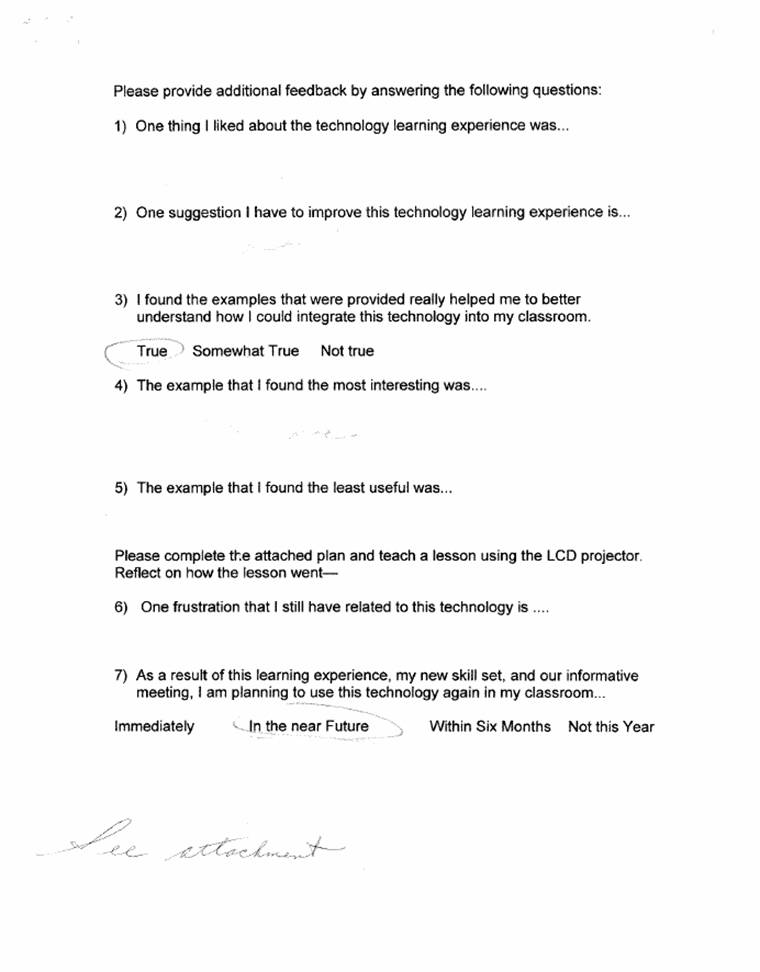
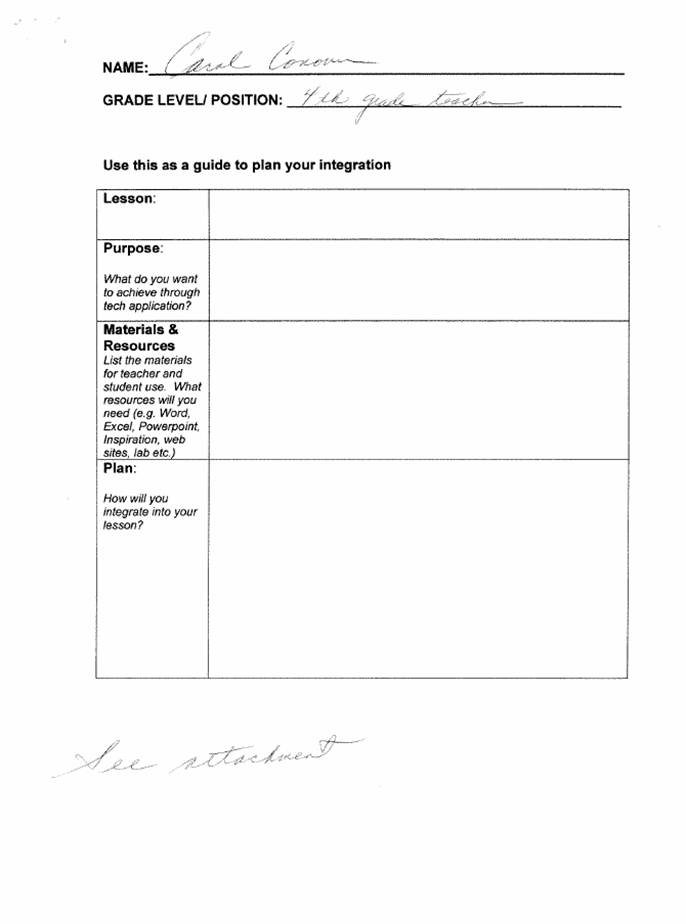
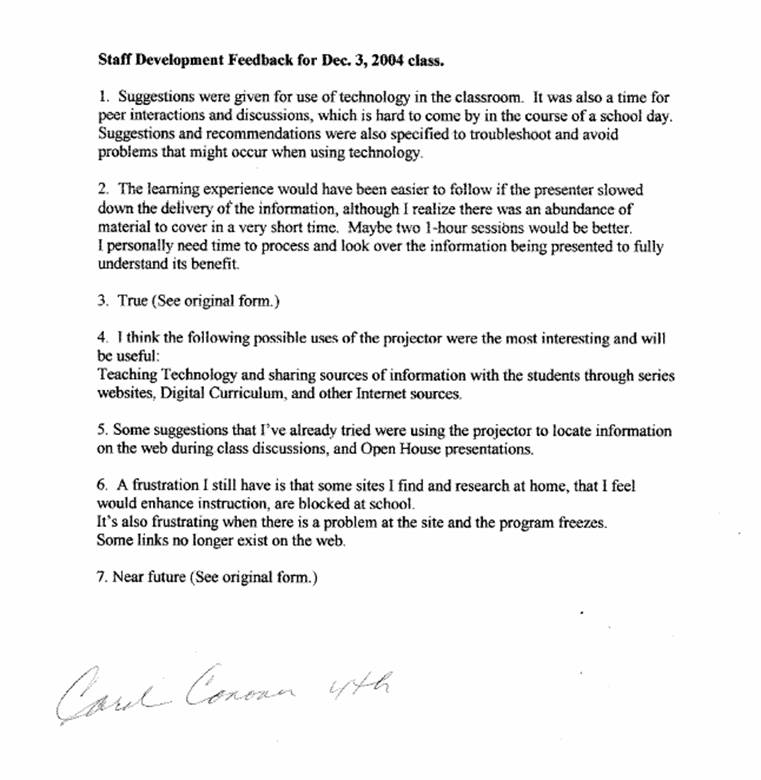
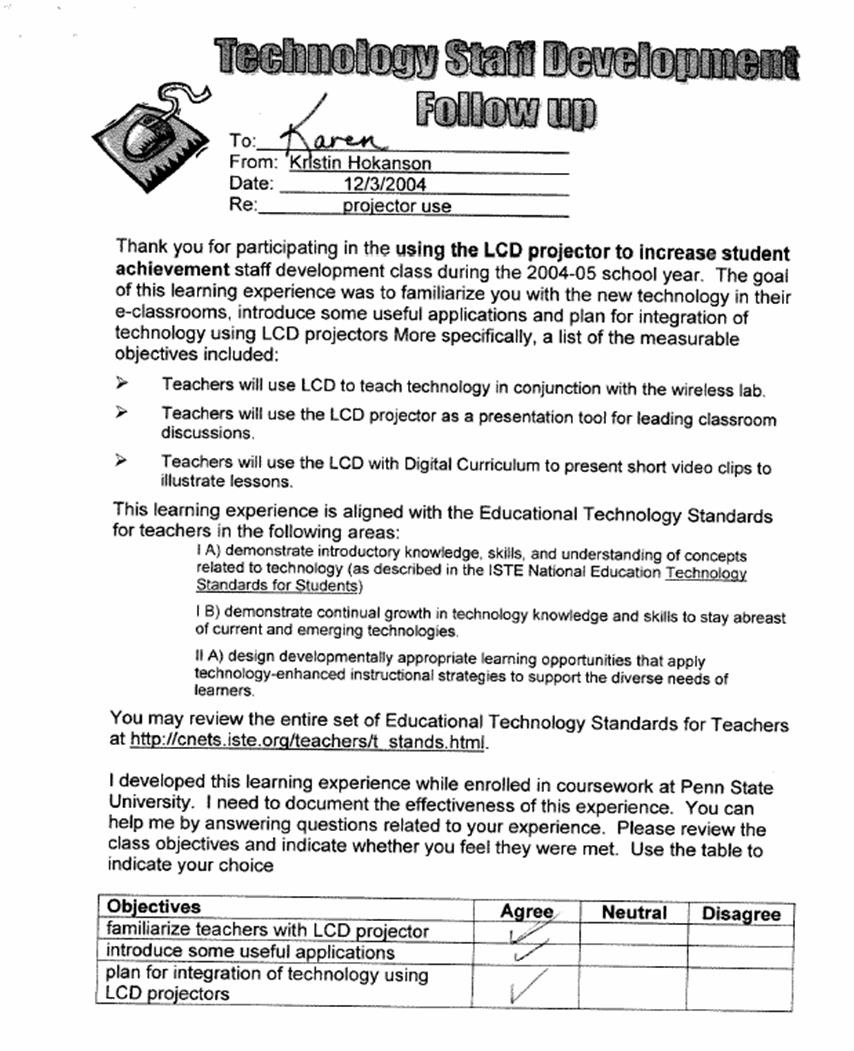
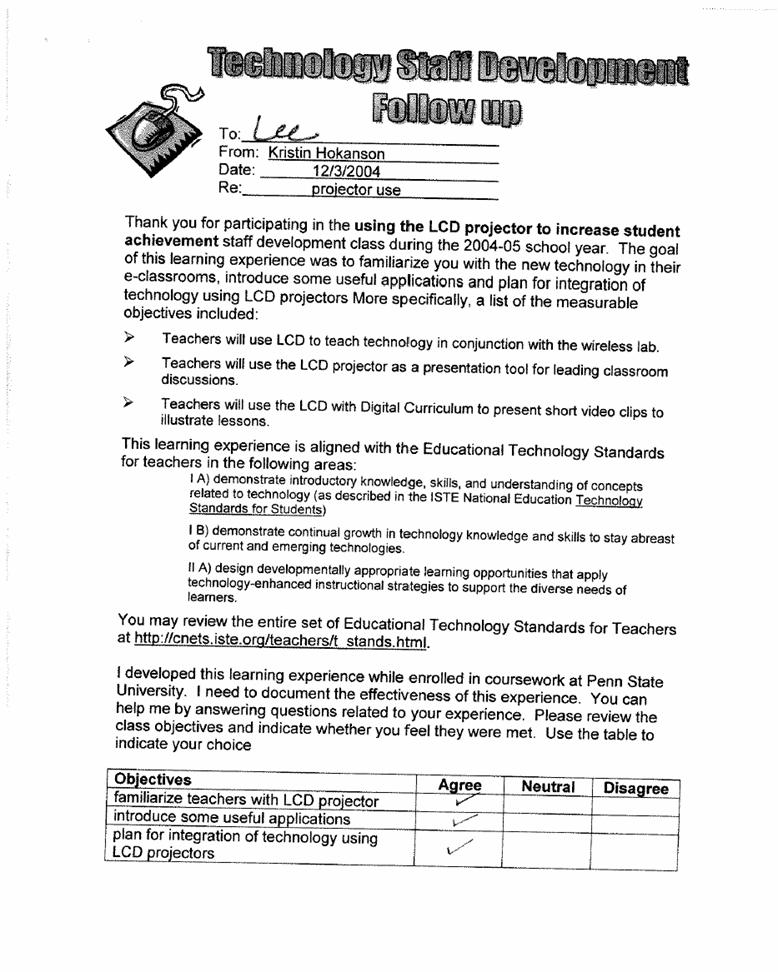
Scanned into this document
are evaluations of the original LCD training session and the lessons that
followed.
Reflection –On
overall learning experience for the students
o
How did the students adapt to the technology? In all of the classrooms the students adapted well
to the technology. Mrs. Cedrone scaffolded her students’ learning about lab use by having a
few third grade students come and “mentor” each group…helping them to log on
& set up the wireless computers.
Many of the fourth grade students had used the wireless computers in
third grade, so Mrs. Conover used these students as her “model” students when
she made her partnerships.
o
Did they seem to enjoy the lesson? Kids love computers.
So in all cases, getting to use the computers was not only a treat, but
in most cases their learning seemed greater because they were able to use the
computers to do so.
o
How did the teacher adapt to the use of the
technology? The teachers were all anxious to use their
new projectors—so once they had the training through the inservice of
how to do it, they adapted well. Mrs.
Cedrone not only used the projector for her lesson, but projected the
directions for log on—so the students could SEE what they needed to do.
o
Did he/she feel comfortable? Why or why not? In
talking with the teachers after their lesson, once they realized how easy the
projector was to use and the number of uses it actually has, they planned to
use the projector more frequently. Mrs.
Cedrone actually expressed a desire to use the lab on a regular basis. Her feeling was that having the projector to
use to teach technology would make lab use easy for her second grade students.
o
How could the
lesson be changed to increase its effectiveness?
o
Will they use
the technology again? Why or Why Not?